Gemini Review 2025: Google's AI Powerhouse That Changed Everything
Google Gemini has rapidly evolved from a simple AI chatbot to one of the most sophisticated multimodal AI assistants available today. With the introduction of Gemini 2.5 Pro in 2025 and groundbreaking features like Veo 2 video generation, Google has positioned itself as a serious contender in the AI arms race. But does it live up to the hype, and is it worth choosing over established competitors like ChatGPT and Claude?
This comprehensive review dives deep into everything you need to know about Gemini in 2025, from its cutting-edge capabilities to real-world pricing and performance.
What is Gemini? (The Complete Guide for 2025)
Google Gemini is Google's flagship multimodal AI assistant that combines advanced language understanding, image processing, video analysis, and code generation in one powerful platform. Originally launched as Google Bard in 2023, it was rebranded to Gemini in February 2024 and has since undergone continuous improvements.
In 2025, Gemini represents Google's most ambitious AI project yet, featuring deep integration with Google Workspace, Chrome browser functionality, and the ability to handle massive context windows of over 1 million tokens. Unlike traditional chatbots, Gemini can process text, images, audio, and video simultaneously, making it a true multimodal AI assistant.
What sets Gemini apart in 2025 is its seamless integration with Google's ecosystem. Whether you're working in Gmail, Google Docs, or browsing with Chrome, Gemini can assist contextually without requiring you to switch platforms. This native integration, combined with Google's vast data resources and cloud infrastructure, positions Gemini as more than just another AI tool—it's an AI-powered enhancement to your entire digital workflow.
Key Features of Gemini
| Feature | Description | Why It Matters |
|---|
| Gemini 2.5 Pro Model | Latest AI model with enhanced reasoning and thinking capabilities | Delivers more accurate, nuanced responses for complex tasks |
| 1M+ Token Context | Massive context window for processing large documents | Can analyze entire research papers, codebases, or lengthy conversations |
| Veo 2 Video Generation | AI-powered video creation from text prompts | Creates professional-quality videos without editing experience |
| Real-time Collaboration | Gemini Live for instant AI assistance during work | Seamless integration into active workflows and meetings |
| Chrome Integration | Native browser AI assistance for web tasks | Contextual help while browsing, researching, or online shopping |
| Google Workspace Integration | Direct access within Gmail, Docs, Sheets, and more | Streamlines productivity without app switching |
| Multimodal Processing | Simultaneous text, image, audio, and video understanding | Comprehensive analysis of mixed media content |
| Custom AI Agents (Gems) | Personalized AI assistants for specific tasks | Tailored AI behavior for specialized workflows |
How Gemini Works
Getting started with Gemini is straightforward, thanks to Google's focus on user experience and integration:
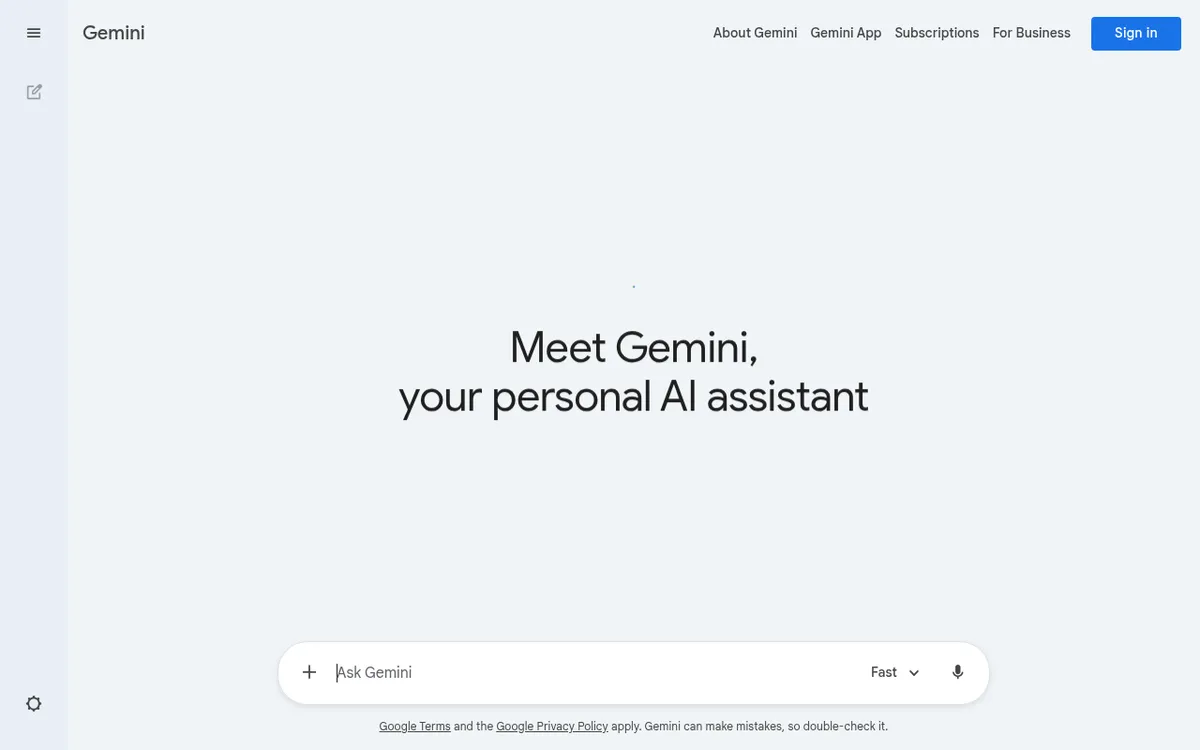
- Access Point Selection: Navigate to gemini.google.com or access Gemini directly through Google apps like Gmail or Docs. The AI is available across web, mobile, and integrated platforms.
- Input Your Request: Type, upload images, or even speak your query. Gemini processes multiple input types simultaneously, so you can combine text questions with image uploads or document analysis.
- AI Processing: Gemini 2.5 Pro analyzes your input using its advanced reasoning capabilities, drawing from its massive training data and real-time web information when needed.
- Contextual Response Generation: The AI generates responses tailored to your specific context, whether you're in a Google Doc, composing an email, or working on a coding project.
- Iterative Refinement: Continue the conversation naturally, with Gemini maintaining context across your entire chat history. In 2025, Gemini Advanced subscribers can reference past conversations, creating a continuous AI assistance experience.
Gemini Pricing in 2025
Google has restructured Gemini's pricing model in 2025, offering more tiers to accommodate different user needs:
| Plan | Price | Key Features |
|---|
| Gemini Free | $0/month | Basic Gemini access, limited daily queries, standard response time |
| Google AI Pro | $21.99/month | Gemini 2.5 Pro access, 2TB storage, Gmail/Docs integration, priority support |
| Google AI Pro (3-month promo) | $139.99/month for 3 months | Same as AI Pro but with promotional pricing |
| Google AI Ultra3 | $274.99/month | Highest-tier access, exclusive features, advanced video generation, premium support |
| Student Plan | Free for 1 year | AI Pro features for eligible university students (promotion ends December 2025) |
The pricing represents a significant investment, especially for the Ultra3 tier, but includes substantial Google Cloud storage and advanced AI capabilities. The student promotion offers exceptional value for eligible users, providing full AI Pro access at no cost.
Pros and Cons
Pros:
- ✅ Unmatched Google Integration: Seamlessly works within Gmail, Docs, Chrome, and other Google services
- ✅ Massive Context Window: 1M+ token capacity handles extensive documents and conversations
- ✅ True Multimodal Capabilities: Processes text, images, audio, and video simultaneously
- ✅ Advanced Video Generation: Veo 2 creates professional-quality videos from text prompts
- ✅ Real-time Web Access: Can search and incorporate current information
- ✅ Customizable AI Agents: Gems feature allows specialized AI assistants for specific tasks
Cons:
- ❌ Privacy Concerns: Deep Google integration raises data privacy questions
- ❌ Inconsistent Performance: Can be verbose and sometimes provides conflicting information
- ❌ High Premium Pricing: Ultra3 tier is significantly more expensive than competitors
- ❌ Google Ecosystem Dependency: Best features require heavy Google service usage
Who Should Use Gemini?
👨💻 Google Workspace Power Users: If you live in Gmail, Google Docs, and Chrome, Gemini's native integration makes it indispensable. The ability to get AI assistance without leaving your workflow is genuinely transformative.
🎨 Content Creators and Marketers: Veo 2's video generation capabilities combined with multimodal content analysis make Gemini excellent for creative professionals who need to produce diverse content quickly.
📊 Researchers and Analysts: The massive context window and ability to process multiple document types simultaneously make Gemini ideal for research-heavy work, data analysis, and academic projects.
🏢 Enterprise Teams: Organizations already using Google Workspace will find Gemini's collaborative features and enterprise-grade security appealing for team productivity.
Gemini vs Competitors
| Feature | Gemini | ChatGPT Plus | Claude Pro |
|---|
| Monthly Price | $21.99 (Pro) | $20.00 | $20.00 |
| Context Window | 1M+ tokens | 128k tokens | 200k tokens |
| Video Generation | Yes (Veo 2) | No | No |
| Web Integration | Chrome/Workspace | Browser extensions | Limited |
| Multimodal | Text/Image/Video/Audio | Text/Image/Audio | Text/Image |
| Code Execution | Yes | Yes (Advanced Data Analysis) | No |
| Mobile App | Yes | Yes | Yes |
While ChatGPT offers more polished conversational abilities and Claude excels in writing quality, Gemini's integration advantages and multimodal capabilities give it unique strengths for specific use cases.
Getting Started with Gemini
- Start with the Free Tier: Test Gemini's capabilities at gemini.google.com before committing to paid plans. Explore basic multimodal features and Google integration.
- Leverage Google Workspace Integration: If you use Gmail or Google Docs, enable Gemini within these apps to experience its most powerful features in context.
- Experiment with Multimodal Inputs: Upload images alongside text questions, or ask Gemini to analyze documents and videos to understand its full capabilities.
- Create Custom Gems: Set up specialized AI agents for recurring tasks like email drafting, code review, or content creation to maximize efficiency.
- Take Advantage of Student Pricing: If eligible, the free one-year AI Pro access for students represents exceptional value for learning and academic work.
Final Verdict: Is Gemini Worth It in 2025?
Rating: ⭐ 4.3/5
Gemini in 2025 represents Google's most compelling AI offering yet. The combination of Gemini 2.5 Pro's reasoning capabilities, massive context windows, and deep Google ecosystem integration creates a uniquely powerful tool for productivity and creativity.
Gemini is BEST for:
- Heavy Google Workspace users who want seamless AI integration
- Content creators needing advanced video generation capabilities
- Researchers working with large documents and datasets
- Teams already embedded in Google's ecosystem
Consider alternatives if:
- You prioritize privacy and want to minimize Google data sharing
- You need the most polished writing assistance (Claude) or conversational AI (ChatGPT)
- You're budget-conscious and don't need premium multimodal features
- You work primarily outside Google's ecosystem
The introduction of features like Veo 2, real-time collaboration, and enhanced reasoning makes Gemini a formidable competitor in 2025. While the premium pricing may deter casual users, the value proposition for Google-integrated workflows is compelling. For organizations and individuals already invested in Google's ecosystem, Gemini offers AI capabilities that feel native rather than bolted-on—and that integration advantage may be worth the investment.