


About Keep It Shot
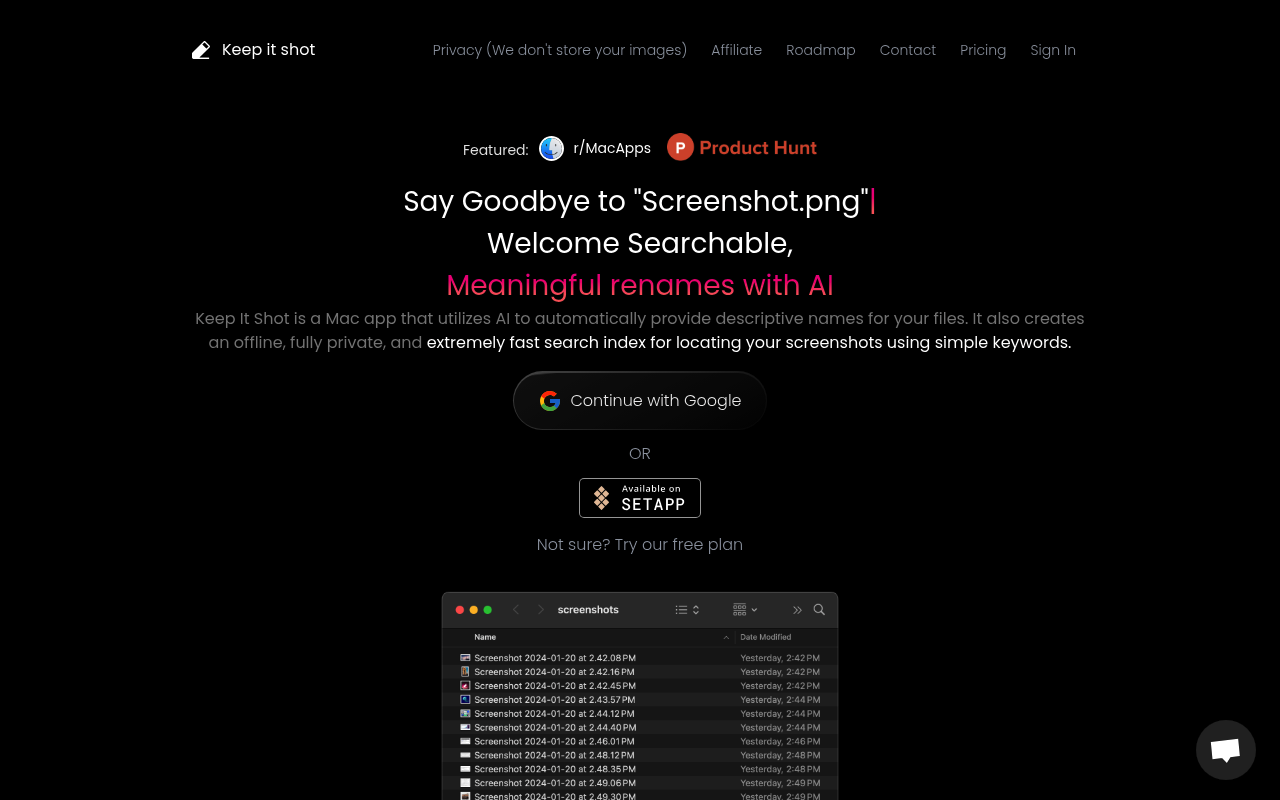
Keep It Shot is a Mac-exclusive AI tool that revolutionizes how you manage screenshots and digital files on your computer. Using advanced AI technology, it automatically generates descriptive, meaningful names for your screenshots, PDFs, Excel files, Word documents, and videos, eliminating the frustration of generic filenames like 'Screenshot 2024-01-15 at 3.42.18 PM.png'. The app creates a completely offline, private search index that allows you to find any file using simple keywords in seconds. Unlike cloud-based solutions, all processing happens locally on your Mac, ensuring complete privacy and blazing-fast search speeds. With flexible pricing including one-time payment options and the ability to bring your own OpenAI API key, it's perfect for professionals, content creators, and researchers who value both functionality and data privacy. Featuring bulk renaming capabilities, multi-file type support, and upcoming Q&A functionality on indexed files, Keep It Shot transforms digital clutter into an organized, searchable knowledge base while maintaining complete user privacy through local processing.
Best For
Pros & Cons
Pros
- Complete offline privacy with local processing
- One-time payment option available for lifetime access
- Lightning-fast search across all file types
- Mac-native performance and seamless integration
- Bulk batch renaming saves significant time
- Support for multiple file formats beyond screenshots
Cons
- Mac-only application (no Windows or Linux support)
- Requires credits for file renaming operations
- Q&A feature still in development
Pricing Plans
- 500 one-time credits
- Image renaming
- Basic search functionality
- 500 credits included
- All file type renaming
- Bring your own API key
- Q&A on indexed files (soon)
- 15 credits per month
- All renaming features
- Monthly credit refresh
- 2000 credits per month
- All features
- Priority support
Prices as of Aug 2026. Check official site for current pricing.
What People Say
One of the must have utilities for Mac. Wish it could handle more than just images!
When you provide a solid prompt --> it works great.
When you provide a solid prompt --> it works great.
One of the must have utilities for Mac. Wish it could handle more than just images!
Wish it could handle more than just images! When you provide a solid prompt --> it works great.
One of the must have utilities for Mac.
FAQ
What is Keep It Shot?
Transform your Mac screenshot chaos into an organized, searchable library with AI-powered file renaming and lightning-fast offline search capabilities.
How much does Keep It Shot cost?
Free • $19 One-time • $8 Individual
Is Keep It Shot good for beginners?
It depends on your experience level. Check the features to see if it fits your needs.